Got a pile of things?
Quick Add keeps the camera open, so you can photograph one thing after another. Or say their names, or paste a list from Notes. They wait in Unplaced until you say where they live.
 PiiloPublic betaJoin the beta
Store anything in anything.
Piilo remembers where.
Hi, I’m Simon. I built Piilo because I wanted an easy, enjoyable way to keep track of all my stuff. The apps I had tried before felt dull and unnecessarily complicated. I’m trying, and trying, to make this as simple as possible, and I’d really appreciate any help getting it there.
You’ll need Apple’s free TestFlight app first. iPhone is the one to use — the iPad layout is still catching up.
A camera in a box. The box in a closet. The closet in a bedroom. Piilo remembers the whole route.
You really can put anything in anything. You can put a house in a sock if you want. I wouldn’t advise it though. Any object can become a container, or even a room, whenever you need it to. And if you change your mind, you can always fix it later.
HomeBedroomClosetBlue BoxCamera
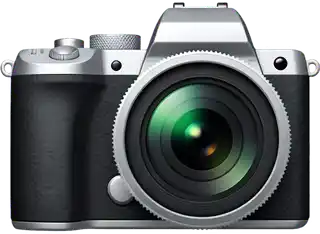 Camera
You don’t have to catalogue your whole home. Start with one drawer, one box, one bag, or a few things you can never find.
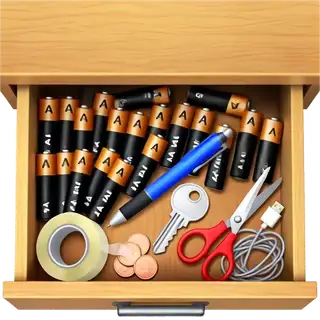 The junk drawer
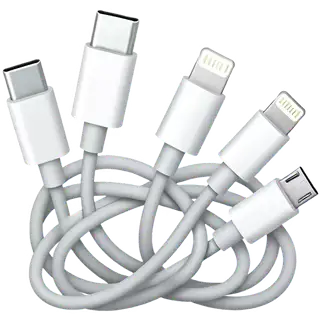 Mystery cables
 The medicine cabinet
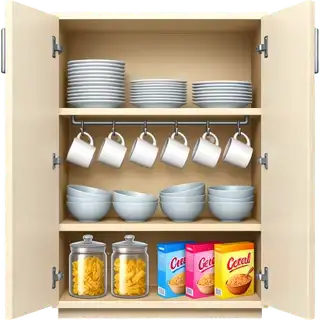 A kitchen cupboard
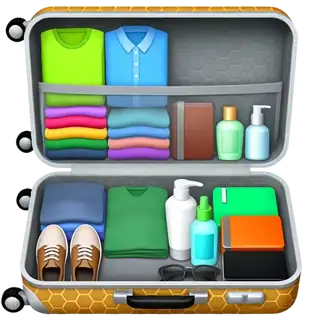 A packed suitcase
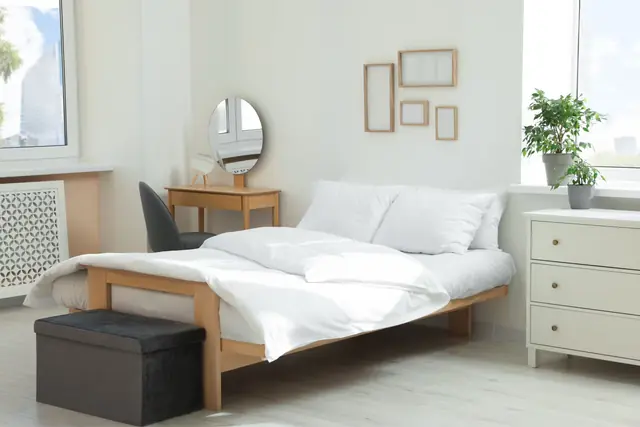
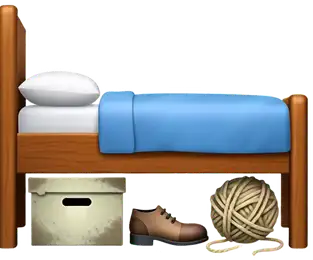 Under the bed
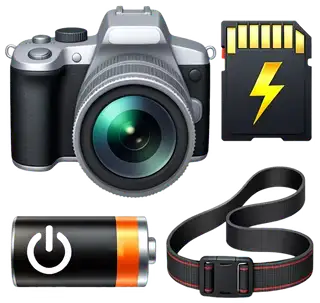 Camera gear
 Important documents
 Craft supplies
 A toolbox
 Kids’ toys
 Board games
Start with one thing you don’t want to lose track of. Photograph it or type its name, say where it lives, and that’s it — Piilo remembers.
Photograph it
Take a photo.
What is this?SkipTap the camera on Home and photograph one thing. Then give it a name.
Say where it goes
PassportNot anywhere yetPiilo reads it as you finish typing.
Piilo read that as
Hall Closet › Document Box
Type or say it the way you’d tell a person. Piilo shows you what it understood before it puts anything anywhere.
Find it again
1 match
PassportHome›Hall Closet›Document BoxWeeks later, start typing. Search gives you one answer, with the whole route to it.
Quick Add keeps the camera open, so you can photograph one thing after another. Or say their names, or paste a list from Notes. They wait in Unplaced until you say where they live.
Say or type one sentence. Piilo shows you exactly what it’s about to do, and nothing changes until you tap.
Ask about a day out or a job to do, and Piilo answers with real things from your library and where they are. Pick the ones you need and they become a List.
Labels help too: point Scan to Find at a Piilo QR label to open that box, or tap the words on a written label to look them up. Tell Piilo uses Apple Intelligence, so it appears on iPhones that have it; everything else works without it.
Share to Piilo from Photos, Notes or Safari, and choose where it goes. A photo becomes a thing; a list becomes several.
Quick Add opens the camera from your Home Screen, Lock Screen, Control Center or the Action button.
What’s Left is a widget that keeps what you still need from a List on your Home Screen.
Ask Siri “Where’s my passport in Piilo?” and hear where it is, without opening the app.
Anything you lock is kept out of Siri’s answers and the widgets.
Piilo starts nearly empty. Then you fill it with your own things. Use a symbol when that’s enough, an emoji when it feels more personal, or one of your own photos when seeing the real thing helps.
It’s closer to drawing a map of your things than filling in a spreadsheet. Your Piilo won’t look much like mine.
A new Piilo is nearly empty. One place, and room for everything else.
The same collection can feel completely different in another theme.
Piilo keeps things simple and familiar. Clean, neutral and easy to read.
Pop is Piilo turned up. Brighter colors, more energy, maybe a bit too much.
Nova is your galactic retreat. Dark, glowing and easy on the eyes.
Play is for kids, and for anyone who prefers something more tactile and human.
An illustration of a Piilo home screen filling up on an iPhone. It begins nearly empty with one place called Home, then gains places, containers and lists shown as symbols, emoji, and a photograph, and finally the same library redrawn in the Piilo, Pop, Nova and Play themes.
Anything with things inside can show them as a List, as Icons or as a Map. The Map draws the whole place: rooms around the middle, the boxes in each room, and the things in each box gathered close. It’s not a floor plan; it’s the shape of your stuff.
Open it from a room or a box and it starts right there, with the way back to Home lit up. Tap a box to spread out what’s inside, or pinch out to see everything.
Once you’ve added a few things, Piilo has some other tricks worth playing with. Pick whichever one sounds useful.
Make a fridge, freezer or pantry a Perishable container, then add use-by dates to anything worth keeping an eye on. Piilo reminds you as dates approach and can hide long-expired items from the everyday view until you clear them out.
Make a list for a weekend away, a beach day or anything else that requires gathering half the house. Check what you need this time, pack those things into a real bag, then use Put back to return everything to where it came from.
Mark a book, tool or game as lent, choose who has it and add a return date if useful. Piilo keeps it in On loan and reminds you when it’s due, with a quick way to mark it returned.
Print or share a Piilo QR label for a box, or pair the box with an NFC tag. Stick the label or tag on the outside, then scan or tap it later to open that box in Piilo and see exactly what’s inside, without unpacking the whole thing.
Make a drawer, cabinet or other frequently changing container Active. Piilo asks you to check it after something changes, or after a few weeks, and Looks right confirms that its recorded contents still match reality.
Make a travel bag, tool kit or other frequently used container Busy. Piilo turns everything inside into a quick checklist, so you can confirm what’s physically there. Anything you don’t is marked Not seen, not lost, and nothing gets moved or deleted.
A note from me
Add a few real belongings — or pick one of the six ideas above. Put them where they actually live.
That’s it — five things is plenty. If something is confusing or annoying, that’s the most useful thing you can tell me. I’d much rather hear that than something polite.
Send it from TestFlight (open Piilo’s page there and tap Send Beta Feedback) or email me directly at [email protected]. Screenshots help. A single sentence is genuinely fine.
Get the beta on TestFlightPiilo installs on iPad too, but that layout is still being worked on. Please test on an iPhone if you have one.
Piilo is in public beta and I’m still changing things. Expect a rough edge or two, and don’t let this build be the only copy of anything you can’t lose.
Your library starts on your device. Switch on iCloud only if you want it synced across your devices, and invite someone only if you want to share it; otherwise it stays on that device.
Anything you want to find again: the contents of a drawer, boxes in storage, tools, important documents, packed bags, collections, borrowed things, and plenty more. Start with whatever is useful to you.
No. A name is enough. You can use a symbol or emoji to make something easier to spot, and add one of your own photos only when seeing the real thing would help.
Just a few minutes. Add one thing you don’t want to lose track of and say where it lives, or start with one drawer, box, or bag and put a handful of things inside it. There’s no need to catalogue your whole home.
Yes. Switch on optional iCloud sync to keep your library up to date across your own devices. Without iCloud, your library stays on the device where you made it.
Yes, with Household Sharing. It’s a separate step from syncing your own devices: you invite someone from Piilo’s settings, and they join from their own Apple Account, with editing or read-only access. Sharing between two people is still being tested, so keep a backup and tell me how it goes.
It waits in Recently Deleted for 30 days, with its photos and everything that was inside it, so you can bring it back.
No. Adding things, putting them away and finding them again all work without it. Tell Piilo, where you say a sentence and Piilo works out what you mean, uses Apple Intelligence on your iPhone, so it only appears where that’s available.
Yes. You’ll need Apple’s free TestFlight app to install it.
Updates are designed to keep your library, but this is still a beta, so export a backup now and then. You can export one from Piilo, and you’ll be able to import it into the final product.
Piilo does not require an account, show ads, use analytics to watch what you tap, or store your library on a server of mine. Your library starts on your device. Optional iCloud sync only runs if you switch it on, and optional import and lookup tools reach the network only when you use them. If you choose a photo from Google Photos, Piilo asks Google only for the photos you pick in Google’s own picker and downloads the one you choose onto your device. It cannot see the rest of your Google Photos library. Settings › Privacy in the app names every outside service Piilo can use, and when, and the Privacy page says how that sign-in is kept. Because the beta comes through TestFlight, Apple may collect crash logs and anything you send through TestFlight.
Free · iPhone · TestFlight required
Sign up for news about the app. Emails will be rare and only arrive when there’s something worth sharing.